
what is PLC Cpu?
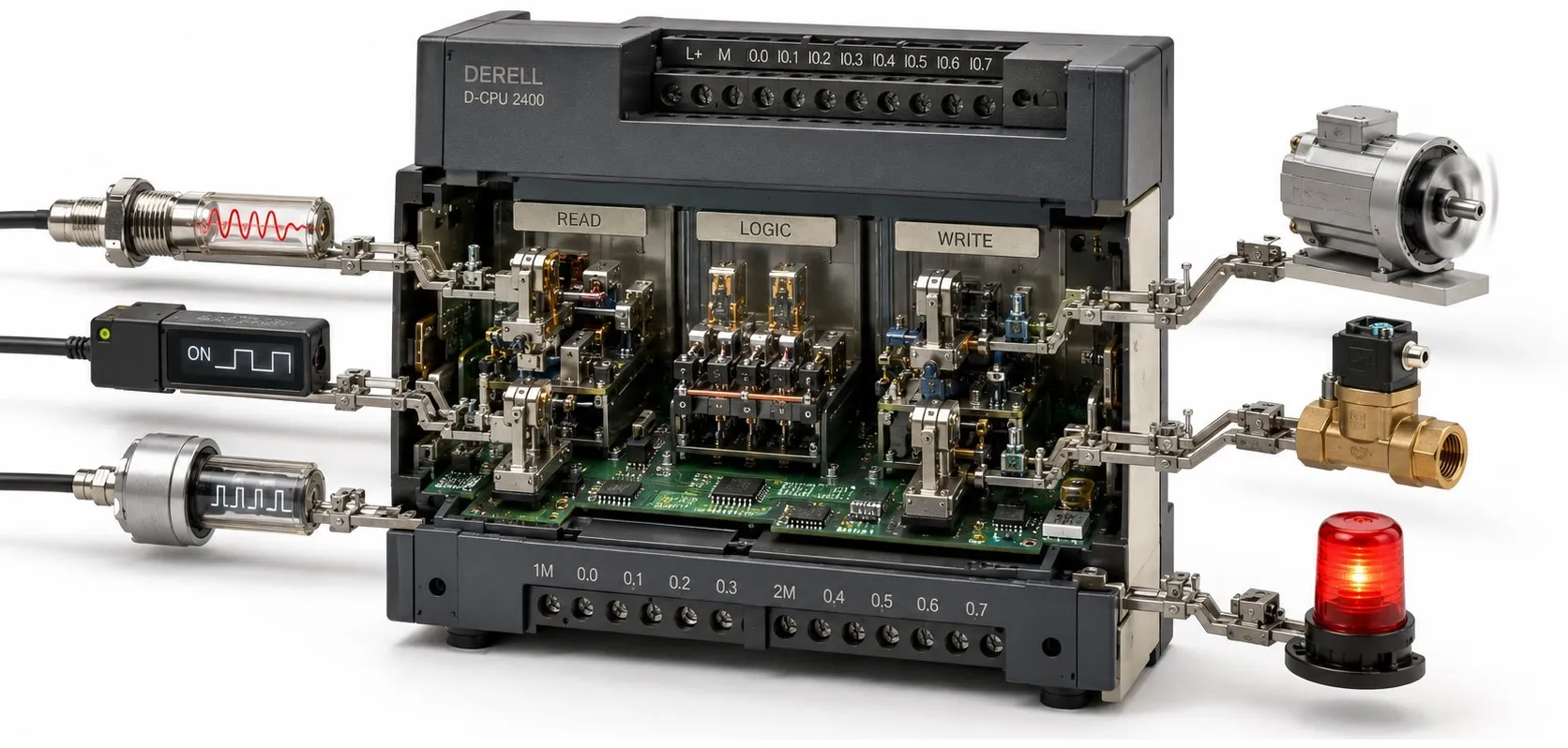
A PLC CPU (Central Processing Unit) executes the user program and manages control operations inside a PLC. In industrial automation, it evaluates input data, performs logical and mathematical operations, and generates output commands. Its main responsibilities include program execution, timing, data management and diagnostics. Calling it the PLC's “brain” is a useful way to describe its role.
Are a PLC and its CPU the same thing? A PLC is the controller or assembly of hardware; its CPU is the part that runs the program. In product catalogues, “CPU” often means a main unit or module containing memory and control electronics, rather than just a processor chip. A compact controller sold under a CPU product name can still function as a complete PLC.
Compact and modular designs: A compact PLC may combine the CPU and a set of I/O channels in one housing. In a modular PLC, units such as the CPU, power supply and I/O join the system as separate modules. Remote I/O can connect through a communication network. The CPU module belongs to the modular PLC system. It is misleading to describe the CPU as generally being a separate device outside the PLC.
How are inputs processed? A sensor, pushbutton or switch signal reaches the appropriate input circuit; the CPU evaluates its corresponding value in the program. Analog signals such as 0–10 V or 4–20 mA are converted to numerical values by suitable hardware. Correct scaling and data types make calculations meaningful. Consider the signal, channel specifications and program variable together.
How does the program scan work? Common cyclic operation involves updating input information, executing the user program and transferring output information to hardware. Some systems use memory areas called process images for these operations. The update sequence, direct I/O access and interrupt behaviour depend on the controller architecture.
Why can short pulses be missed? If an input is sampled only at 10 ms intervals, a 2 ms pulse that starts and ends between samples may go unnoticed. A rising-edge instruction cannot recover an unsampled pulse. Fast signals, such as those from an encoder, may require a suitable high-speed counter or hardware capture. This example applies specifically to the stated sampling conditions.
Scan time and response time: The time needed to complete one CPU program scan is only part of the machine's overall response time. Input filtering, analog conversion, communication updates, task scheduling and output-device behaviour also contribute. For example, a motor drive's physical response takes a different amount of time from a CPU scan.
Tasks and interrupts: Supported controllers can run timed or event-triggered tasks in addition to a continuous program cycle. Task scheduling and priorities determine when different parts of the program execute. Functions such as PID control need an appropriate, consistent sampling interval. Check available task types and timing limits for the selected platform.
What does a watchdog do? A watchdog monitors program or task timing. Exceeding its configured conditions can cause a timing error, a halted task or a stopped CPU, depending on the model and configuration. Investigate slow code, task conflicts and system load before increasing the watchdog limit.
What does CPU memory store? When assessing memory capacity, distinguish program storage, memory used during execution and retained data. A stored program and the values changing while it runs are different things. Variable data types, arrays and program blocks affect memory requirements. Compare the compiled project's memory usage with the selected CPU's limits.
What is retained data? Correctly configured retentive variables keep their values after power loss under supported conditions. Examples include accumulated counts or production settings. Other variables may return to initial values. Check separately how power loss, restarting, memory resets and program downloads affect stored values.
How is the CPU programmed? PLC programming uses compatible programming software. Support for languages such as Ladder Diagram, FBD and Structured Text depends on the platform. CODESYS is one development environment available for supported devices. The project must be compatible with the CPU model and software version. Supporting the same language does not mean every project transfers directly between controllers.
Communication duties: With suitable interfaces and configuration, the CPU can exchange data with HMI, SCADA and other devices. Support for Modbus, PROFINET or EtherCAT depends on hardware and software options. Assess the protocol, device role and connection capacity together. An Ethernet socket does not establish support for every industrial communication protocol.
Does the CPU determine special functions? Features such as high-speed outputs, fast counting and motion control may require compatible CPU capabilities, output types, dedicated modules and software. General processing speed and a special channel's hardware limits are separate specifications. A faster CPU does not automatically change an existing I/O channel's frequency or electrical limits.
How should processing performance be assessed? The execution time of one instruction does not represent a complete application. Calculations, block calls, interrupts and communication load affect performance. Measure scan and task execution times with the actual project under demanding operating conditions. A processor clock rate or published bit-instruction time alone is an inadequate basis for selection.
What matters when selecting a CPU? PLC selection should consider I/O quantity and types, expansion limits, memory, required response time, communications and special functions together. Supply voltage, operating temperature and installation conditions must also suit the application. Include maintenance and software access when comparing brands and models. Allow reasonable room for expansion; an oversized CPU is not automatically a better solution.
RUN, STOP and restarting: RUN generally means the user program is executing, while STOP halts normal execution. Output behaviour during stopping and startup can depend on the CPU, module and configuration. Machine safety needs its own design. STOP alone does not establish that power is disconnected or the mechanism is safe.
How should a suspected CPU fault be investigated? During debugging, check the supply, status LEDs, diagnostic records, I/O configuration and network connections. Program errors, lost communications and module faults should be distinguished from CPU hardware failure. Review the records and the conditions that trigger the problem before replacing the CPU.
Backups and CPU replacement: Keep the source project, hardware configuration, required parameters and version details together. Do not assume that a program uploaded from a CPU includes every source file and comment. Check the replacement unit's order code, firmware version and module compatibility. After replacement, verify initial values, communications and control behaviour.
Selecting a used CPU: Beyond its appearance, inspect the exact product code, ports, memory or card requirements, access protection and ability to accept a program. Check claims about PLC standards against the relevant product documents. A matching family name or similar housing does not prove compatibility with the existing system.