
Yaskawa V7

About Yaskawa V7 model;
The V7 VFD (Variable Frequency Drive) is a device that controls the speed of an electric motor. The factory settings for the VFD are for 2-wire control when using external Run/Stop signals. However, the user can switch to 3-wire control by using the initialization function of constant n001. It is important to note that entering either initialization code resets all parameters to factory settings, and automatically returns parameter n001 setting to “1”. If the Drive is connected for 3-wire control and this parameter is set to “10” (2-Wire Control Initialization), the motor may run in reverse direction without a Run command applied, which may cause equipment damage or personal injury.
The Digital Operator allows the user to access various functions including frequency reference setting, output frequency and current monitoring, monitor selection, FWD/REV run selection, local/remote selection, and parameter programming. It is important to note that the Run command will not be accepted by the drive when the PRGM or LO/RE Function LEDs are lit. Selecting any other Function LED allows the drive to accept the Run command.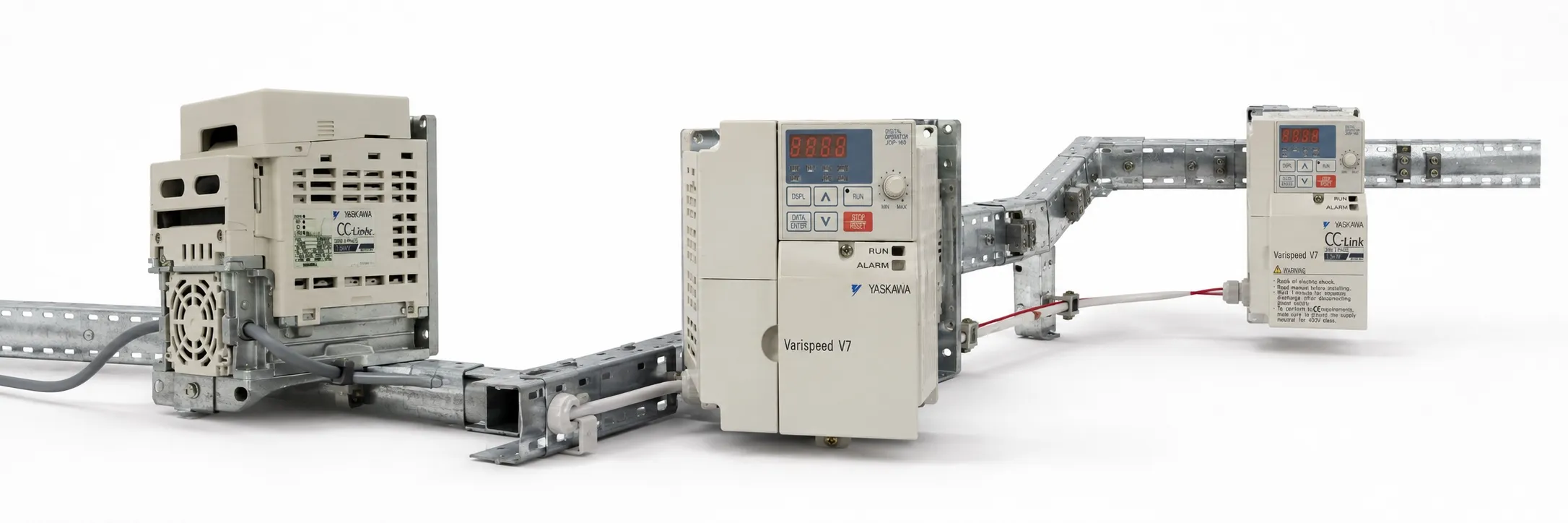
The V7 VFD (Variable Frequency Drive) is an electrical device that controls the speed of an electric motor by adjusting the frequency of the power supplied to the motor. The factory settings for the VFD are for 2-wire control, which means that the drive uses external Run/Stop signals to start and stop the motor. However, the user can switch to 3-wire control by using the initialization function of constant n001. It is important to note that entering either initialization code resets all parameters to factory settings and automatically returns parameter n001 setting to “1”. If the Drive is connected for 3-wire control and this parameter is set to “10” (2-Wire Control Initialization), the motor may run in reverse direction without a Run command applied, which may cause equipment damage or personal injury.
The Digital Operator is a control interface for the VFD that allows the user to access various functions. By pressing the DSPL key on the Digital Operator, the user can step through each of the seven Function LEDs and its associated display/setting function. These functions include:
Frequency Reference Setting: Sets/Displays the Drive operation speed (Hz).
Output Frequency Monitor: Displays the output frequency (Hz) at which the Drive is currently operating. This is a monitor-only function; the operator cannot change the displayed value by use of the keypad.
Output Current Monitor: Displays the level of output current (Amps) that the Drive is currently producing. This is a monitor-only function; the operator cannot change the displayed value by use of the keypad.
Monitor Selection: Pressing ENTER allows access to the various Monitor parameters, U-01 through U-10. These are monitor-only functions; the operator cannot change the displayed value. Accessible during run command.
FWD/REV Run Selection: Sets the rotation direction of the motor when a Run command is given by the Digital Operator keypad. Display of For = forward run, rEu = reverse run.
Local / Remote Selection: This toggles between the Local (Digital Operator) and Remote (set by parameters n003 & n004) modes of operation. This affects both the start/stop functions, as well as the frequency reference. Local / Remote status cannot be changed using this LED when a multi-function input terminal is set for Local/Remote (n050 through n056 set for “17”).
Parameter Programming: Selects or reads data using parameter number (nXXX). Data is displayed by pressing the ENTER key, and can be changed by pressing the up arrow or down arrow keys. Any changes can be saved by again pressing the ENTER key. Pressing the DSPL key exits the Programming mode.
It is important to note that the Run command will not be accepted by the drive when the PRGM or LO/RE Function LEDs are lit. Selecting any other Function LED allows the drive to accept the Run command.
+ Yaskawa Varispeed Drivewizard software manual (pdf)
+ Yaskawa Varispeed GPD 315/V7, (V7-4X) Devicenet (pdf)
+ Yaskawa VS Mini V7 user Manual (pdf)
+ Yaskawa Varispeed GPD 315/V7, (V7-4X) User Manual (pdf)
+ Yaskawa Varispeed V7n User Manual (pdf)
+ Yaskawa Varispeed GPD 315/V7, (V7-4X) Remote keypad (pdf)
+ Yaskawa Varispeed Remote operator kit (pdf)