
Yaskawa F7 fault codes
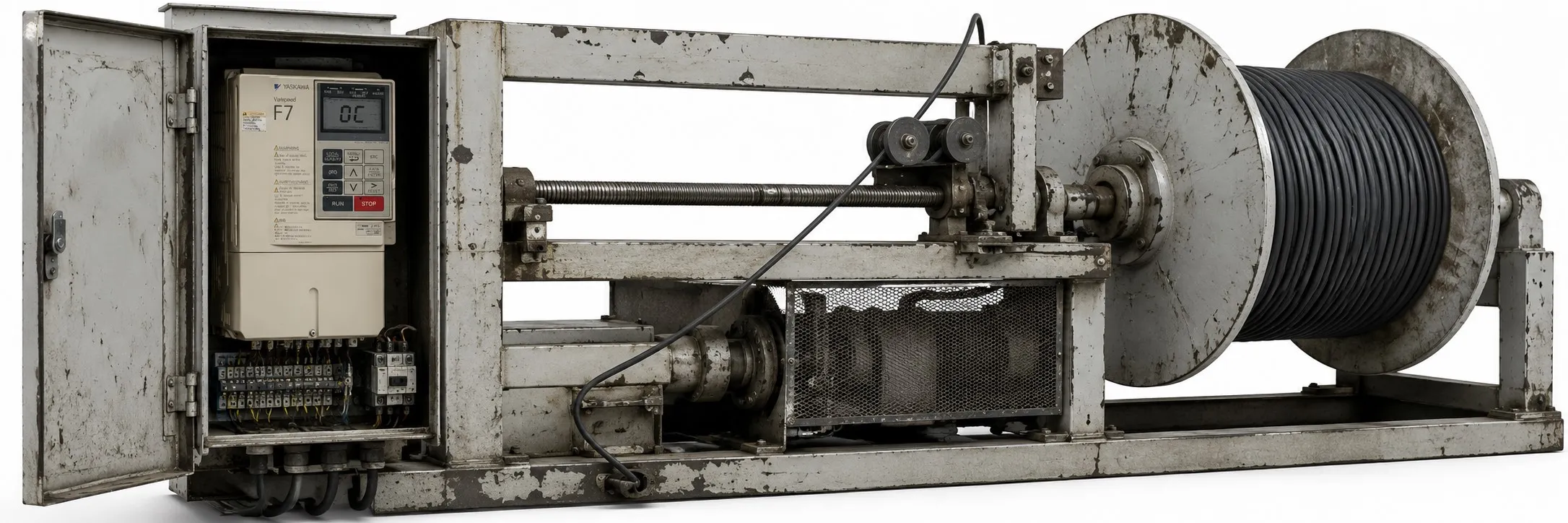
Yaskawa F7 AC Drive Error Codes and Solutions:
BUS (Option Communication Error): Connection lost after initial communication. Connection was interrupted and/or the main control device stopped communication.
+ Check all connections and verify all user-side software configurations.
CE (Memobus Communication Error): Control data was not correctly received for two seconds. This error is detected when H5-05=1 and H5-04=0 to 2.
+ Check all connections and verify all user-side software configurations.
CF (Out of Control): During the stop ramp in open-loop vector control, a torque limit was continuously reached for 3 seconds or longer.
+ Check that motor parameters are set correctly.
+ Perform Auto-Tuning.
CPF00 (Operator Communication Error): Communication between the Drive and Digital Operator was not established within 5 seconds after power was supplied.
+ Check that the Digital Operator cable is securely connected, the Digital Operator is faulty, and/or the control card is faulty.
+ Remove and reattach the Digital Operator.
+ Turn off and on the power to the Drive.
+ Replace the control card.
CPF01 (Operator Communication Error): After communication started with the Digital Operator, communication stopped for 2 seconds or longer.
+ Check that the Digital Operator cable is securely connected, the Digital Operator is faulty, and/or the control card is faulty.
+ Remove and reattach the Digital Operator once.
+ Turn off and on the power to the Drive.
+ Replace the Digital Operator and/or control card.
CPF02 (BB Circuit Error): Basic block circuit error when power was supplied.
+ Gate array hardware failure when power was supplied.
+ Perform factory default settings.
+ Turn off and on the power to the Drive.
+ Replace the control card.
CPF03 (EEPROM Error): The checksum was not valid.
+ There was noise or a sudden voltage fluctuation at the control circuit input terminals.
+ Perform factory default settings.
+ Turn off and on the power to the Drive.
+ Replace the control card.
CPF04 (Internal A/D Error): There was noise or a sudden voltage fluctuation at the control circuit input terminals.
+ Perform factory default settings.
+ Turn off and on the power to the Drive.
+ Replace the control card.
CPF05 (External A/D Error): There was noise or a sudden voltage fluctuation at the control circuit input terminals.
+ Perform factory default settings.
+ Turn off and on the power to the Drive.
+ Replace the control card.
CPF06 (Option Error): The option card was not connected properly.
+ Turn off the power and reattach the option card.
+ The Drive or option card was damaged.
+ Replace the option card or Drive.
CPF07 (RAM Error): ASIC internal RAM error.
+ Control circuit failure/damage.
+ Turn off and on the power to the Drive.
+ Replace the Drive.
CPF08 (WAT Error): Watchdog Timer error.
+ Control circuit failure/damage.
+ Turn off and on the power to the Drive.
+ Replace the Drive.
CPF09 (CPU Error): CPU-ASIC mutual diagnosis error.
+ Control circuit failure/damage.
+ Turn off and on the power to the Drive.
+ Replace the Drive.
CPF10 (ASIC Error): ASIC version error.
+ Control circuit damage.
+ Replace the Drive.
CPF20 (Option A/D Error): Option card error.
+ Option card input error.
+ Remove all inputs from the option card.
+ Option card A/D conversion error.
+ Perform factory default settings.
+ Turn off and on the power to the Drive.
+ Replace the option card and control card.
CPF21 (Option CPU Down): Option card self-diagnosis error.
+ Noise or a sudden voltage fluctuation on the communication line and/or a faulty option card.
+ Perform factory default settings.
+ Turn off and on the power to the Drive.
+ Replace the option card and control card.
CPF22 (Option Type Error): Option card code number error.
+ An unrecognized option card is connected to the control card.
+ Remove all option cards.
+ Turn off and on the power to the Drive.
+ Perform factory default settings.
+ Replace the option card and control card.
CPF23 (Option DPRAM Error): Option card connection error.
+ An option card was not connected properly to the control card or an option card not made for the Drive was connected to the control card.
+ Cut power to the Drive.
+ Reconnect the option card.
+ Perform factory default settings.
+ Turn off and on the power to the Drive.
+ Replace the option card and control card.