
What is factory reset?
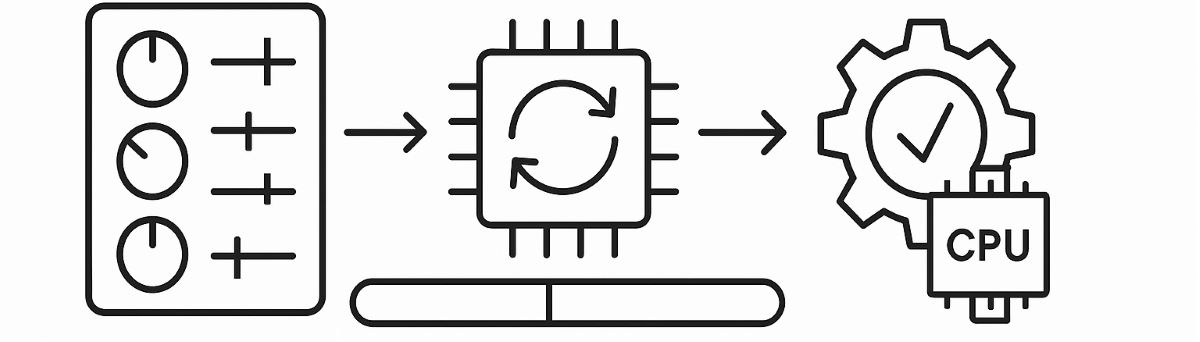
Dear esteemed colleagues,
The term "factory reset" refers to returning a device (commonly used for electronic devices such as computers, smartphones, tablets, or networking equipment) to its original state or the settings it came with when purchased.
This action is usually performed in the following cases:
System Issues: When a device encounters software glitches, freezes, or other technical problems, a factory reset is done to address these issues.
Performance Issues: If a device becomes slow over time due to the accumulation of unnecessary applications and data, returning to factory settings might be suggested to boost its performance.
Protection from Viruses or Malware: If a device is infested with malware or viruses, and it's challenging to remove them, a factory reset can be an effective way to eradicate such threats.
Selling or Disposal: If you're planning to sell or give away a device, you can perform a factory reset to delete your personal data and settings.
Executing this process will erase all personal data, applications, settings, and other information from the device. Therefore, it's crucial to back up all essential data before performing a factory reset.
Motor drivers (or drives) are electronic devices that control motors to operate correctly. They're commonly found in industrial automation systems, CNC machines, robots, and other mechanical systems. Motor drivers can control a motor's speed, direction, and torque.
Returning motor drivers to "factory settings" means reverting them to the default settings they were configured with at the time of production. This process resets the driver to its original settings, eliminating any potential configuration errors or incompatible settings.
Returning motor drivers to factory settings can be beneficial in the following situations:
Faulty Configurations: If the driver has been mistakenly misconfigured and you're unsure about which setting is problematic, returning to factory settings can quickly resolve such misconfigurations.
Performance Issues: If the motor doesn't meet the expected performance, you might try reverting to factory settings to address this issue.
System Changes: If the motor driver is to be used in a new system, returning it to factory settings allows for it to be reconfigured accordingly for the new system.
Diagnostics: To determine if there's a problem, you can revert the driver to factory settings to achieve a standard state, facilitating diagnostics.
It's good practice to back up the current configuration before returning the motor driver to factory settings, allowing for a return to old settings if necessary.
Your shopping cart is empty!