
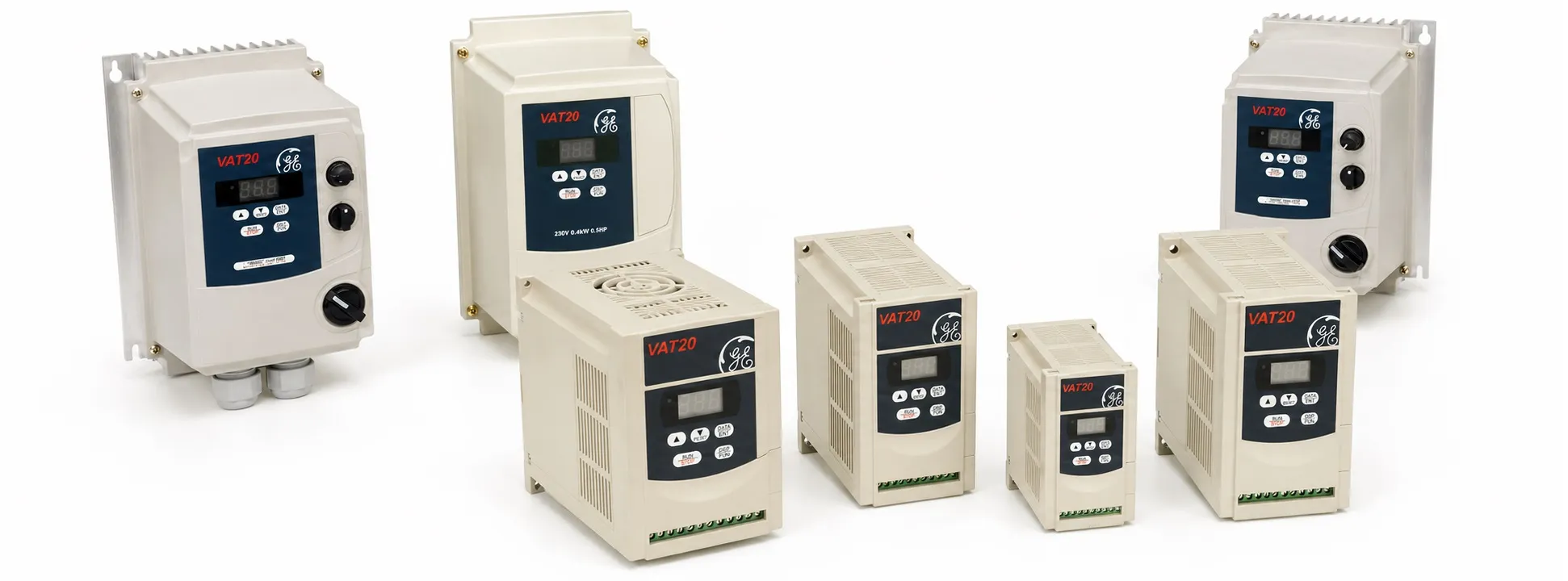
Ge VAT20 fault codes
Hi everyone,
General Troubleshooting Method for VAT20 General Electric VFD
Is the power supply voltage reaching the L1 and L2 terminals? (Is the charge indicator lit?)
Check if the power supply is on.
Turn OFF the power supply and then turn it ON.
Verify the power voltage level again.
Check if the mounting screw is tightened.
Is there voltage output from output terminals T1, T2, and T3?
Turn OFF the power supply and then turn it ON.
Is the load too heavy for the motor to start?
Reduce the load to start the motor.
Is there any abnormal condition in the inverter?
Check if a forward or reverse instruction is loaded.
Examine and correct the wiring according to troubleshooting instructions.
Is the analog frequency setting loaded?
Check if the wiring of the analog frequency input signal is correct.
Is the operating mode setting correct?
Verify the voltage of the frequency input setting is correct.
Is the wiring correct at output terminals T1, T2, and T3?
Operate with the digital panel.
Is the motor running in reverse direction?
Check if the wiring for forward and reverse signals is correct.
Ensure the wiring is appropriate for the motor's U, V, and W terminals.
Is the wiring for the analog frequency input correct?
Examine and correct the wiring.
Is the operating mode setting correct?
Examine and correct the wiring.
Is the motor operating speed stable?
Is the load too heavy?
Check the operating mode setting of the operating panel.
Are the motor specifications (poles, voltage) correct?
Reduce the load.
Is the gear ratio correct?
Re-verify the motor specifications.
Is the motor operating speed too high or too low?
Is the voltage on the motor side excessively low?
Is the maximum output frequency setting correct?
Re-verify the maximum output frequency.
Is the load too heavy?
Reduce the load.
Is the load variation too large?
Increase the capacity of the inverter and motor.
Is there abnormal speed variation in operation?
Is the input power supply stable and steady?
Install an AC reactor on the power supply input side.
Error Codes, Descriptions, and Solutions for VAT20 General Electric VFD:
CPF - Program Error
Cause: External noise interference
Solution: Place a parallel RC snubber on the noise-generating magnetic contactor
EPR - EEPROM Error
Cause: Faulty EEPROM
Solution: Replace the EEPROM
OV (ou) - Over Voltage in Non-operating Condition
Cause: 1. Power supply voltage is too high 2. Detection circuit is faulty
Solution: 1. Examine the power supply 2. Send the inverter for repair
LV (Lu)- Low Voltage in Non-operating Condition
Cause: 1. Power supply voltage is too low 2. Detection circuit is faulty
Solution: 1. Examine the power supply 2. Send the inverter for repair
OH - Overheating of Inverter in Non-operating Condition
Cause: 1. Detection circuit is faulty 2. Environment is too hot or ventilation is inadequate
Solution: 1. Send the inverter for repair 2. Improve ventilation
OC - Over Current in Stop Condition
Cause: Detection circuit is faulty
Solution: Send the inverter for repair
+ General Electric 2. Main page >
+ VFD Homepage >
 -