
Teco servo fault codes
TECO Servo Fault Codes and Troubleshooting
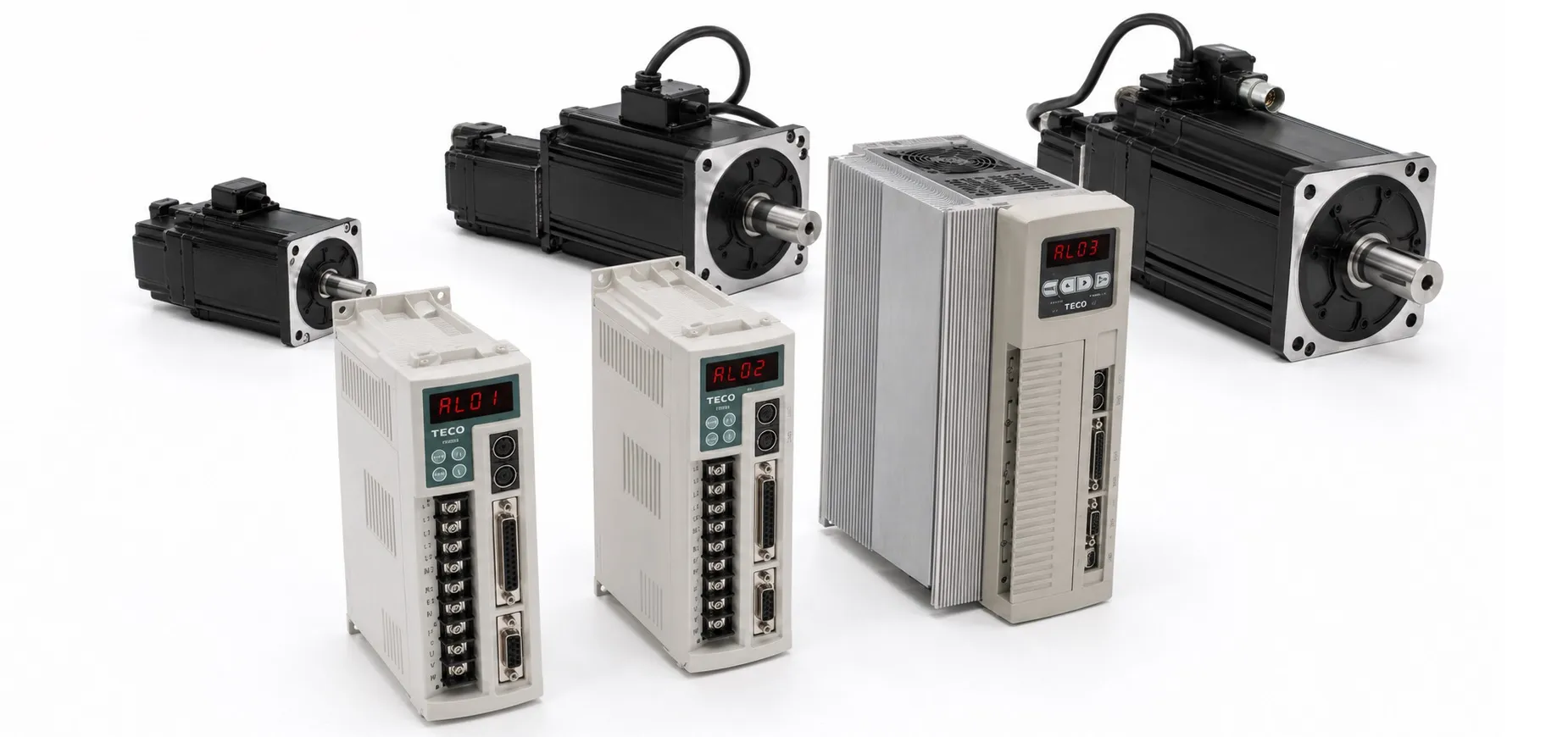
Before troubleshooting a TECO servo drive alarm, check the incoming power supply, motor and encoder wiring, grounding connections and the mechanical load. Incorrect wiring, excessive mechanical load or electrical interference can cause alarms that may initially appear to be drive-related faults.
AL-01 – Under-voltage
The main circuit voltage has fallen below the specified minimum value of approximately 190 VAC.
Check the input voltage with a multimeter and verify that it is within the specified operating range. If the supply voltage is correct and the alarm remains active, an internal drive fault may be present.
AL-02 – Over-voltage / Regeneration Error
The main circuit voltage has exceeded the maximum allowable value of approximately 410 V, or the regenerative voltage has become too high.
Check the incoming voltage with a multimeter and verify that parameter Cn012 is set correctly. If the alarm occurs while the machine is decelerating, increase the acceleration/deceleration time or reduce the load within the permitted range. Where regenerative energy remains excessive, an external braking resistor may be required.
AL-03 – Motor Overload
The servo system has exceeded its rated load during continuous operation. According to the source data, when the load reaches approximately twice the rated value, the alarm may occur within about 10 seconds.
Check the motor U, V and W connections and the encoder connection. Incorrect drive gain settings may cause motor vibration and excessive current. If necessary, increase the acceleration/deceleration time or reduce the mechanical load.
AL-04 – Drive Over-current
An excessive current condition has been detected in the servo drive main circuit. The alarm may also indicate a problem with the power transistor or IGBT power stage.
Check the motor U, V and W wiring, encoder wiring and power connections. If all wiring is correct, switch off the power and allow the drive to remain powered down before restarting it. If the alarm continues, the power module or internal drive circuitry may require inspection or repair.
AL-05 – Encoder ABZ Phase Signal Error
This alarm indicates a motor encoder failure or an encoder connection problem affecting the ABZ phase signals.
Check the motor encoder wiring for loose connections, broken conductors, short circuits or poor solder joints. Also check the encoder signal connections at terminals CN2-1 and CN2-2, including the 5 V supply.
AL-06 – Encoder UVW Phase Signal Error
This alarm indicates a motor encoder failure or connection problem affecting the UVW encoder phase signals.
Check the encoder wiring for loose connections, short circuits, broken conductors or poor solder joints. Verify the CN2-1 and CN2-2 encoder signal terminals and the 5 V encoder supply.
AL-07 – Multi-function Contact Setting Error
An incorrect configuration has been detected in the multi-function digital input or output settings.
Check parameters Hn601 to Hn606. The trigger level selected by the second digit should be consistent for digital inputs DI-1 to DI-6. Also check parameters Hn613 to Hn615; the function settings for output contacts DO-1 to DO-3 should not be duplicated where the drive configuration does not permit it.
AL-08 – Memory / Parameter Write Error
The drive has detected a memory or parameter write error.
Disconnect external command wiring where appropriate and cycle the drive power. If the alarm remains active after restart, an internal drive fault may be present.
AL-09 – Emergency Stop
This alarm is generated when the EMC emergency-stop input is activated.
Check and reset the emergency stop circuit. Verify the external control wiring and confirm that the EMC input is not being activated unintentionally.
AL-10 – Motor Over-current
The motor current has reached approximately four times the rated motor current.
Check the motor U, V and W wiring and the encoder connections. Incorrect wiring, electrical interference or an internal system fault can produce this alarm.
AL-11 – Position Error
The difference between the pulse position command and the encoder feedback position has exceeded the value defined by parameters Pn308 or Pn309.
Check the position loop gain settings Pn310 and Pn311. The position tolerance value defined by Pn307 may also need adjustment. If the mechanical system cannot follow the commanded acceleration, increase the acceleration/deceleration time or reduce the load inertia. Motor U, V and W connections should also be checked.
AL-12 – Motor Overspeed
The motor speed has exceeded approximately 1.5 times the rated motor speed.
Reduce the speed command and verify the electronic gear ratio. Also check the speed loop gain settings Sn211 and Sn213 if the motor response is unstable.
AL-13 – CPU Error
The drive has detected a CPU or control system malfunction.
Switch off the drive power and restart the system after the specified waiting period. If the alarm returns, check motor power wiring, control signal wiring and possible sources of external electrical interference.
AL-14 – Drive Disable / Limit Input Conflict
This alarm occurs when the CCWL and CWL limit inputs are active at the same time.
Remove the unwanted CCWL or CWL input signal and check the input wiring. Also verify that the selected high/low logic configuration matches the external control circuit.
AL-15 – Drive Overheat
The temperature of the power transistor / IGBT stage has exceeded approximately 90°C.
Long-term overload can cause the servo drive to overheat. Check the mechanical load, operating duty cycle, cooling conditions and machine operation before resetting the system.
AL-16 – Absolute Encoder Battery Error
The absolute encoder battery module may be disconnected, or the battery voltage may have fallen below approximately 3.2 V.
Check that the battery module is installed correctly and verify the battery voltage. Replace the battery when its voltage is below the specified level.
Related TECO Servo Pages