
Omron P7 fault codes
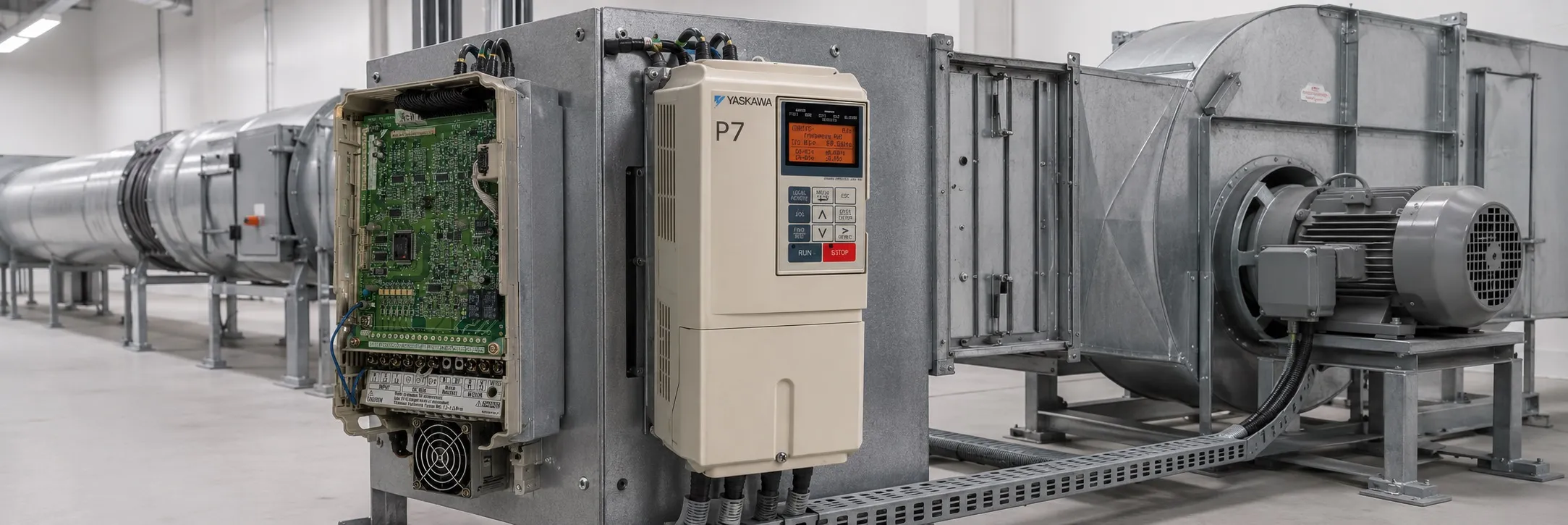
Fault Codes and Solutions
BUS: Option Communication Error
- What Happened: The connection between the drive and the option card was lost after it was initially established.
+ What to Do: Check all connections and verify the configurations on the user's side.
CE: Modbus Communication Error
- What Happened: Control data wasn't received correctly for two seconds.
+ What to Do: Check all connections and verify the configurations on the user's side.
CPF00: Operator Communication Fault 1
- What Happened: Communication between the drive and the digital operator couldn't be established within 5 seconds after power-up.
+ What to Do: Check the digital operator cable, remove and reinstall the digital operator, cycle power off and on, and if the issue persists, replace the drive.
CPF01: Operator Communication Fault 2
- What Happened: After communication started with the digital operator, a communication fault occurred for 2 seconds or more.
+ What to Do: Same as CPF00.
CPF02: Baseblock Circuit Fault
- What Happened: There was a baseblock circuit fault at power-up.
+ What to Do: Perform a factory initialization, cycle power off and on, and if necessary, replace the control board.
CPF03: EEPROM Fault
- What Happened: There was an EEPROM fault, with an invalid checksum.
+ What to Do: Perform a factory initialization, cycle power off and on, and if necessary, replace the control board.
CPF04: CPU Internal A/D Converter Fault
- What Happened: There was a fault in the CPU's internal A/D converter.
+ What to Do: Same as CPF03.
CPF05: CPU External A/D Converter Fault
- What Happened: There was a fault in the CPU's external A/D converter.
+ What to Do: Same as CPF03.
CPF07: ASIC Internal RAM Fault
- What Happened: The external RAM of the CPU is defective.
+ What to Do: Cycle power off and on, and if the issue persists, replace the drive.
CPF08: Watchdog Timer Fault
- What Happened: There was a watchdog timer fault.
+ What to Do: Same as CPF07.
CPF09: CPU-ASIC Mutual Diagnosis Fault
- What Happened: There was a fault in the mutual diagnosis between the CPU and ASIC.
+ What to Do: Same as CPF07.
CPF10: ASIC Version Fault
- What Happened: There was a fault in the ASIC version.
+ What to Do: Replace the drive.
CPF20: Option A/D Error
- What Happened: There was a fault in the option card's A/D converter or connection.
+ What to Do: Perform a factory initialization, cycle power off and on, replace the option board, and if necessary, replace the control board.
CPF21: Option CPU Down
- What Happened: There was a self-diagnosis fault in the communication option card.
+ What to Do: Same as CPF20.
CPF22: Option Type Error
- What Happened: An unrecognizable option board was connected to the control board.
+ What to Do: Remove any option boards, perform a factory initialization, cycle power off and on, replace the option board, and if necessary, replace the control board.
CPF23: Option DPRAM Error
- What Happened: There was an interconnection fault in the communication option card.
+ What to Do: Remove power, reconnect the option board, perform a factory initialization, cycle power off and on, replace the option board, and if necessary, replace the control board.