
Omron J1000 fault codes
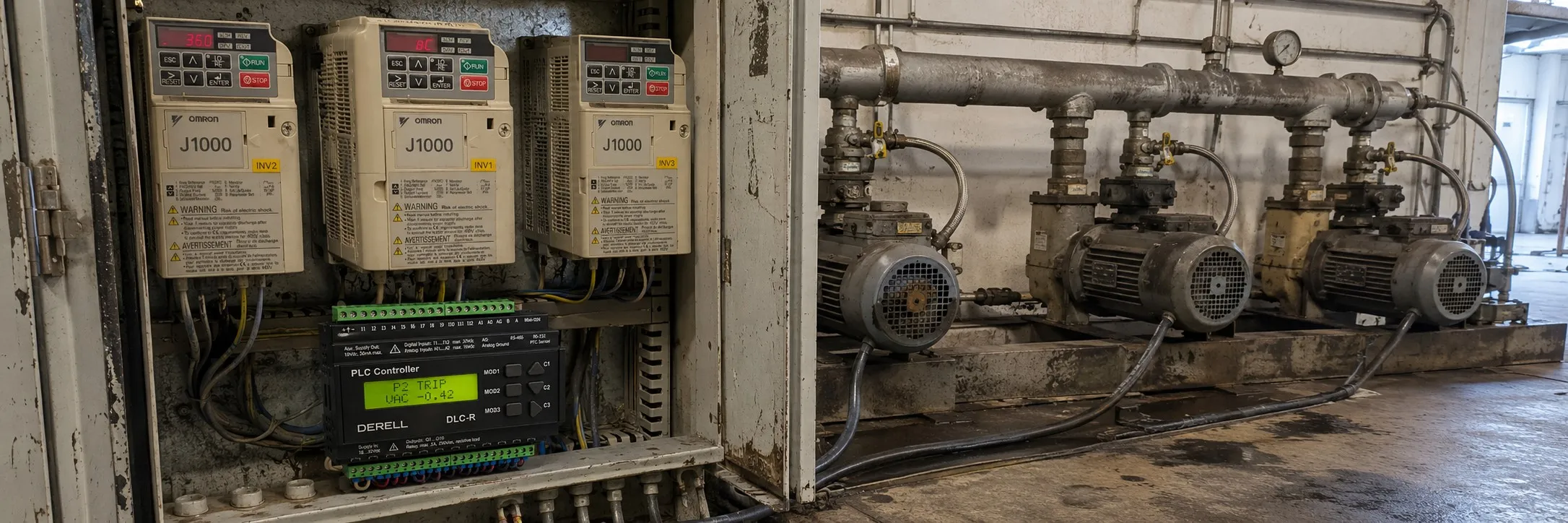
Omron J1000 VFD error codes and their explanations for a newly graduated technician:
Faults:
- When the drive detects a fault, the digital operator displays the specific fault text, and the ALM LED remains lit until the fault is reset. The drive output is interrupted, and the motor coasts to a stop. Faults require a reset to resume operation.
Minor Faults and Alarms:
- These are indicated by the ALM LED flashing and the digital operator displaying the specific code. The motor does not stop for minor faults or alarms. Clearing the cause of the alarm or minor fault will automatically reset it.
Operation Errors:
- These occur when parameter settings conflict or do not match hardware settings. The digital operator displays the specific error, and the motor will not operate until the error is corrected and reset.
Specific Error Codes:
- CE: MEMOBUS/Modbus Communication Error
- CoF, CPF00, CPF01: Current Offset Fault or RAM Fault
- CPF11: RAM Fault
- CPF12: FLASH Memory Fault
- CPF14, CPF18: Control Circuit Fault
- CPF17: Timing Fault
- CPF02: A/D Conversion Error
- CPF06: Drive specification mismatch during Terminal Board or Control Board replacement
- CPF08, CPF20, CPF21: EEPROM Serial Communications Fault or RAM Fault
- CPF22: A/D Conversion Error
- CPF23: PWM Feedback Data Fault
- CPF24: Drive Capacity Signal Fault
- EF0 to EF5: External Fault (input terminal S1 to S5)
- Err: EEPROM Write Error
- oC: Overcurrent
- oFA01: Option Disconnected
- oH1: Heatsink Overheat
- oL1: Motor Overload
- oL2: Drive Overload
- oL3: Overtorque Detection 1
- oPr: Operator Connection Fault
- ov: Overvoltage
- PF: Input Phase Loss
- rH: Dynamic Braking Resistor
- Uv1: Undervoltage
- Uv3: Soft Charge Circuit Fault
Minor Faults and Alarms:
- bb: Drive Baseblock
- CALL: Serial Communication Transmission Error
- CrST: Cannot Reset
- EF: Run Command Input Error
- oH: Heatsink Overheat
- oL3: Overtorque 1
- PASS: MEMOBUS/Modbus Test Mode Complete
- SE: MEMOBUS/Modbus Test Mode Fault
- Uv: Undervoltage
Operation Errors:
- oPE01: Drive Unit Setting Error
- oPE02: Parameter Setting Range Error
- oPE03: Multi-Function Input Setting Error
- oPE05: Run Command Selection Error
- oPE10: V/f Data Setting Error
- oPE11: Carrier Frequency Setting Error
CE MEMOBUS/Modbus Communication Error on Omron J1000 VFD:
It seems that this error is related to communication problems between the VFD and other devices using the MEMOBUS/Modbus protocol. If you encounter this error, you can try the following possible solutions:
Check for faulty or loose wiring, and repair or correct it as needed.
Minimize the effects of noise by using shielded cables and installing a noise filter.
Ensure that other equipment such as switches or relays do not cause noise and use surge suppressors if required.
Separate all wiring for communications devices from drive input power lines.
By following these solutions, you can address the potential causes of the CE MEMOBUS/Modbus Communication Error and hopefully resolve the issue.
CoF Current Offset Fault code for Omron J1000 VFD:
This error indicates a problem with the current detection circuit. If you encounter this error, the possible cause and solution are:
Cause: While the drive automatically adjusted the current offset, the calculated value exceeded the allowable setting range.
Solution: In this case, it is recommended to replace the drive.
This error suggests that the VFD was unable to automatically adjust the current offset, and the calculated value exceeded the allowable setting range, indicating a fault in the current detection circuit. Replacing the drive is the recommended solution to address this problem.
It is important to note that this fault code may have other potential causes, and it is best to refer to the manual for your specific VFD for more information on troubleshooting and addressing this error.
CPF fault codes for Omron J1000 VFD:
Here are the meanings of each CPF fault code:
CPF00 or CPF01: These codes indicate a parameter error. CPF00 means that the stored parameter value is outside of the allowable range, while CPF01 means that a parameter write error occurred.
CPF11: This code indicates a RAM fault. It suggests that there may be a problem with the VFD's random access memory.
CPF12: This code indicates a problem with the VFD's read-only memory (ROM), also known as flash memory. It may suggest that the memory has become corrupted or faulty.
CPF14: This code indicates a CPU error, which can be caused by noise or other factors interfering with the VFD's operation. It suggests that the central processing unit is not operating correctly.
CPF17: This code indicates a timing error that occurred during an internal process. It may suggest that the VFD is having trouble coordinating its internal operations.
CPF18: This code also indicates a CPU error caused by noise or other factors interfering with the VFD's operation.
If you encounter any of these CPF fault codes, it is recommended to refer to the manual for your specific VFD for more information on troubleshooting and resolving the issue.
CPF02 fault code for Omron J1000 VFD:
This error indicates that an A/D conversion error has occurred. If you encounter this error, the possible causes and solutions are:
Cause: The control circuit is damaged.
Solution: First, cycle power to the drive to see if the problem persists. If the problem continues, then it is recommended to replace the drive.
Cause: The control circuit terminals have shorted out (+V, AC).
Solution: Check for wiring errors along the control circuit terminals and correct the wiring as needed.
Cause: The resistance of the speed potentiometer and related wiring may be incorrect.
Solution: Check the resistance of the speed potentiometer and related wiring.
Cause: The control terminal input current has exceeded allowable levels.
Solution: Check the input current and reduce the current input to control circuit terminal (+V) to 20 mA.
By following these solutions, you can address the potential causes of the CPF02 A/D Conversion Error and hopefully resolve the issue. It is important to note that this fault code may have other potential causes, and it is best to refer to the manual for your specific VFD for more information on troubleshooting and addressing this error.