
Omron G7 fault codes
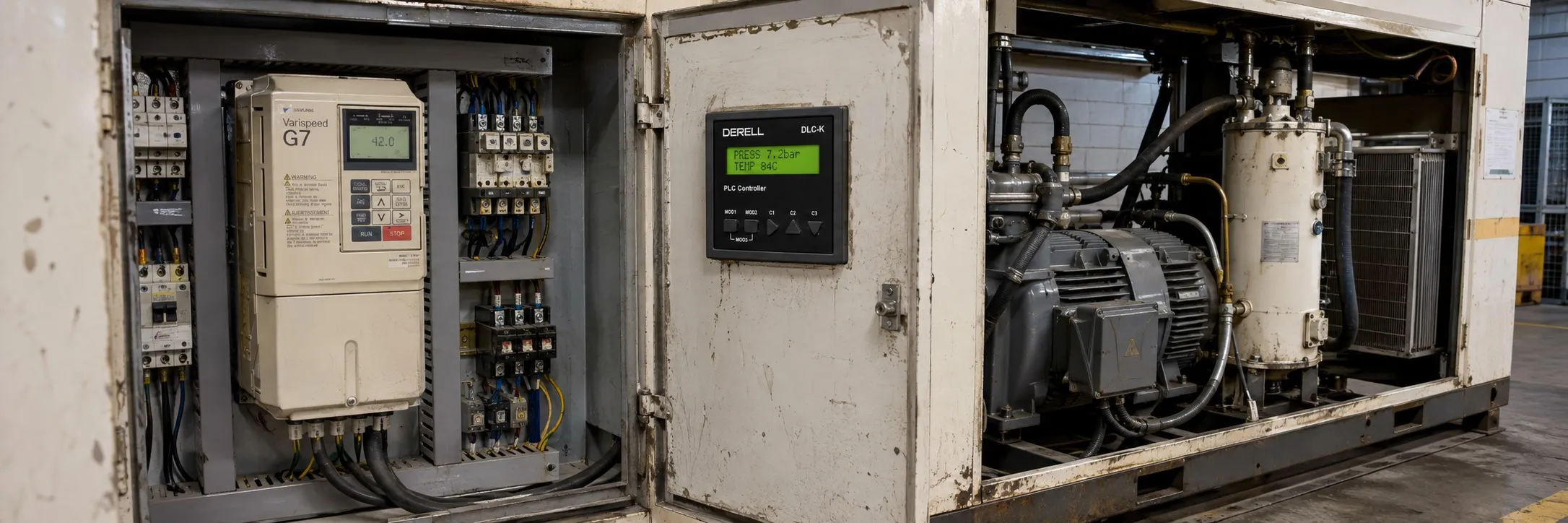
Protective and Diagnostic Functions of G7
This section explains the alarm functions of the inverter. Alarm functions include fault detection, alarm detection, operation error detection, and automatic tuning error detection.
Fault Detection
If the inverter detects a fault, the fault contact activates, the inverter output shuts down, and the motor stops. (For some faults, the stop method can be selected, and the chosen method is applied.) A fault code is displayed on the digital operator.
When a fault occurs, refer to the table below to identify and resolve the cause of the fault. After restarting the inverter, you can reset the fault using one of the following methods:
Set a multi-function input contact (H1-01 to H1-05) to 14 (Fault Reset) and activate the fault reset signal.
Press the "RESET" button on the digital operator.
Turn the main circuit power off and on again.
Fault Summary During Auto-Tuning
Data Invalid:
Cause: There is an error in the motor data, and there is a mismatch between motor output and rated motor current.
Solution: Check the input data and motor capacity.
Minor Fault Alarm:
Cause: A minor error occurred during automatic tuning.
Solution: Check the data, wiring, and load.
STOP Key:
Cause: The auto-tuning process was canceled by pressing the stop key.
Resistance Error:
Cause: There was an error in the resistance between two phases, and automatic tuning did not complete within the set time.
Solution: Check the motor wiring.
No-Load Current Error:
Cause: A no-load current error occurred.
Rated Slip Error:
Cause: There was an error in the rated slip data.
Acceleration Error:
Cause: The motor did not accelerate within the specified time.
Solution: Increase the acceleration time or disconnect the motor from the machine.
Motor Speed Error:
Cause: The torque reference was too high during acceleration.
Solution: Check the input data.
I-det. Circuit Error:
Cause: The current exceeded the motor’s rated current.
Solution: Check the current detection circuit and wiring.
Leak Inductance Error:
Cause: Automatic tuning did not complete within the set time.
Solution: Check the motor wiring.
V/f Over Setting Error:
Cause: The torque reference exceeded 100%.
Solution: Correct the settings and disconnect the motor from the load.
This summary provides brief and clear explanations of the causes and solutions for errors that may occur during autotuning.