
Omron A1000 fault codes
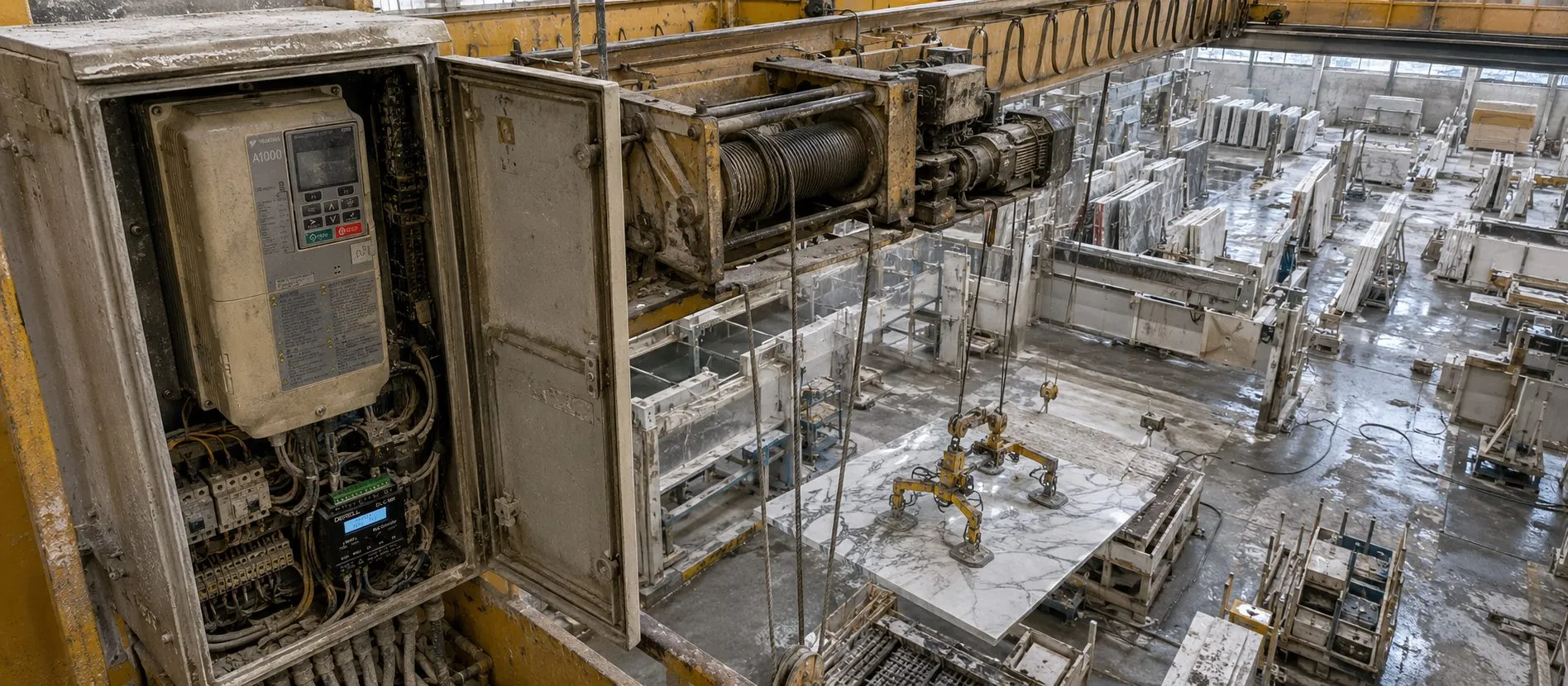
The A1000 VFD is designed to detect faults in the system and respond by displaying a fault message, stopping the motor, and activating fault output terminals. The fault must be cleared before the drive can be used again, with reset methods detailed on page 3 of the manual.
For minor faults or alarms, a message is shown on the digital operator, and the ALM LED flashes. The motor usually keeps running, though some alarms may require a stop method. The cause must be identified and resolved to reset the fault.
An operational error occurs due to conflicting parameter settings or mismatches with hardware. The VFD will display an error message and not operate until the issue is resolved by adjusting the settings.
Tuning errors during Auto-Tuning will stop the motor and show an error message. The tuning must be repeated after resolving the issue.
Copy function errors occur when using the digital operator or USB Copy Unit. When detected, the drive shows an error message and stops functioning until the problem, such as model incompatibility, is corrected.
Sample fault codes:
boL: Braking Transistor Overload Fault
The braking transistor is overloaded or failed. Solutions include replacing the braking resistor or lowering the voltage.
FAn: Internal Fan Fault
Check the cooling fan or magnetic contactor, replace as necessary, or check and replace the control circuit board if needed.
bUS: Option Communication Error
Verify bus system wiring, communication parameters, and ensure proper device functionality. Update firmware and check PLC programming if necessary.
FbH: Excessive PID Feedback
PID feedback exceeds set levels. Check parameters and wiring, or replace the feedback sensor.
FbL: PID Feedback Loss
A loss of feedback in the PID control. Verify parameters and wiring, or replace the feedback sensor.
CE: MEMOBUS/Modbus Communication Error
Check and correct communication wiring, reduce noise interference, and use recommended cables and filters.
CF: Control Fault
A torque limit issue during stopping. Check motor parameters and adjust torque limits and deceleration settings.
GF: Ground Fault
This occurs when current to ground exceeds 50% of the drive's rated output. Check motor insulation, reduce carrier frequency, or replace the control board.
AEr: Station Number Setting Error
Adjust station number settings on communication option cards.
bb: Baseblock Signal
An external baseblock signal interrupts the drive. Check signal configuration and timing.
CALL: Serial Communication Error
Check communications wiring, programming, and resolve any issues with the control board.
CrST: Cannot Reset
This occurs when a reset command is entered while a Run command is active. Disable the Run command to reset.
dnE: Drive Disabled
The drive is disabled due to a change in the "Drive Enable" setting. Check the multi-function contact input and operation sequence.
vFyE: Parameter Mismatch
Resolve discrepancies between the drive and copy function by synchronizing parameter settings.
+ Next page >>