
Faq For Home automation
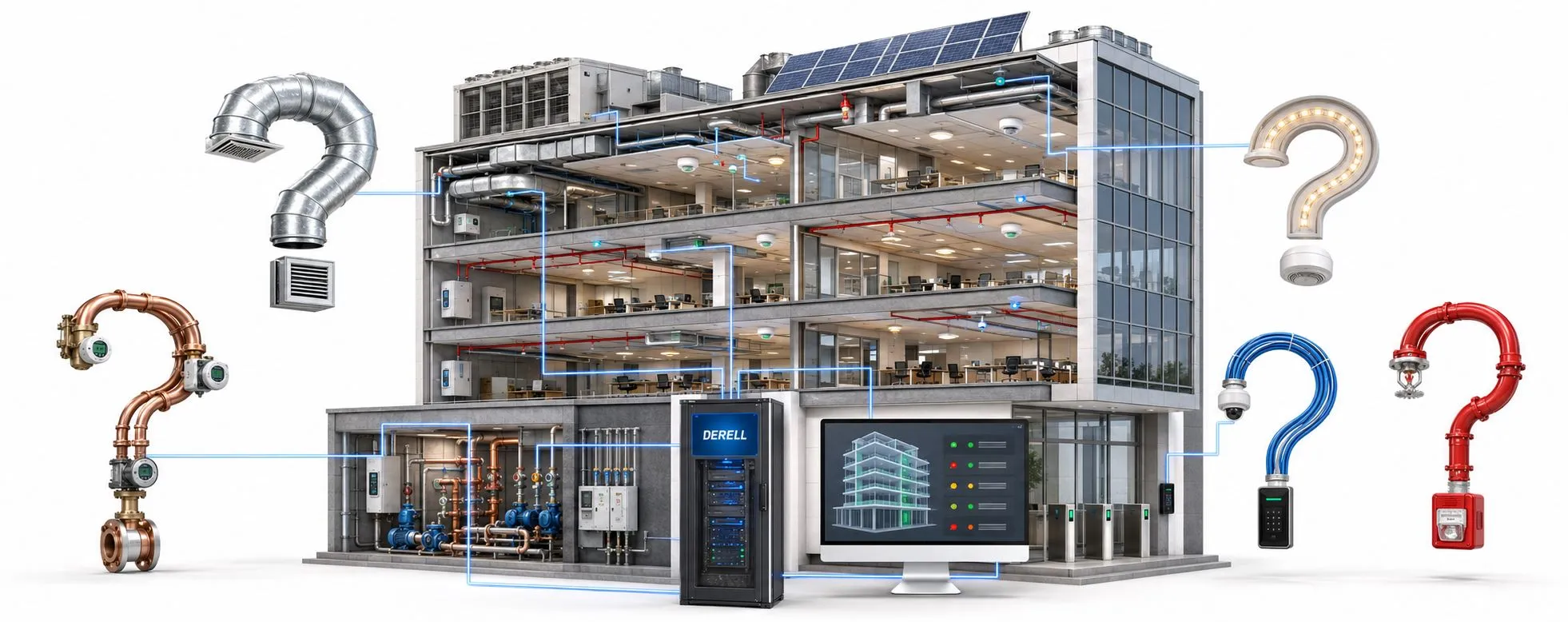
Choosing controls that fit your home or building
Home and building automation turns sensor information into actions through defined rules. It can coordinate lighting, heating, cooling, blinds, energy monitoring and security features. The useful question is what the system should do for the people using it. The topic directory below takes you from basic concepts to installation and everyday operation.
Remote control and automation serve different purposes
Tapping an app to switch on a lamp is remote control. Switching it on when motion is detected in a dark hallway is automation. A sensor reports an event, the control system checks the conditions and operates the lighting. Triggers, conditions and actions turn connected accessories into useful routines.
Scale changes the design
Home automation typically focuses on rooms and household routines. A larger building adds shared areas, many users, operating schedules and maintenance requirements. A setup suitable for one apartment may be inadequate for an office or hotel. The design should reflect the building's size, purpose and operating needs.
Understand the communication path
Devices may communicate over wired or wireless networks. KNX TP uses a dedicated bus cable; Wi-Fi, Zigbee, Z-Wave and Thread are different wireless options. Matter defines compatible device control; it is not a radio technology of its own. Requirements for hubs, bridges and controllers vary. When choosing a control platform, check supported functions as well as the network technology.
Automation does not inherently require internet access. Locally executed routines can continue during a broadband outage, while cloud commands and control from outside the property have additional dependencies. Evaluate offline operation separately for device controls, routines, schedules and notifications.
Focus on useful, measurable results
Adjusting heating and cooling to occupancy, responding to an open window and avoiding unnecessary lighting can help reduce waste. Buying smart devices does not automatically save energy. Compare energy readings under similar usage and weather conditions before attributing savings to the system.
Home security may combine door information, local warnings and camera access. For leak or fire detection, distinguish a phone notification from an alarm that operates on site. A home automation app does not automatically replace appropriate independent protection or alarms. Keep straightforward physical controls available, particularly when planning accessible home automation.
Start small in an existing property
Choose one practical job: hallway lighting, room temperature control or a leak warning. Check the controlled device for compatibility and test one room before expanding. Plug-in accessories differ from relays wired into a mains circuit; mains installation requires a qualified electrician. After installation, test physical controls, app commands and outage behaviour.
Estimate total cost rather than accessory prices alone. Installation, hubs, wiring, networking, maintenance and subscriptions may all contribute. Maintain system security with unique passwords, supported two-factor authentication, updates and secure remote access. Protect setup codes and configuration backups.
Find the question that matches your project
Sources: KNX: communication technologies · Home Assistant: local operation · Matter: controller and network requirements · Home Assistant: secure access · EIA: thermostats and appropriate programming
Refine Search
- Are smart home systems secure?
- Can AI manage home automation?
- Can home automation improve mood with energy control?
- Can home automation monitor and care for plants?
- Can home automation predict future needs?
- Can smart homes detect human emotions?
- Can smart systems aid in personal development?
- Can smart tech collect health data and predict diseases?
- Can smart tech lead to conscious objects?
- Do smart home systems save electricity?
- Do smart home systems work without the internet?
- Do smart systems meet the needs of pets?
- Home automation and Is time travel simulation possible?
- How are doors and windows controlled with smart home systems?
- How are emergencies like water leaks and fires detected with smart home automation?
- How are heating and cooling controlled with smart home automation?
- How are smart home systems installed?
- How is energy consumption monitored with smart home systems?
- How is home security ensured with smart home technologies?
- How is lighting controlled with smart home automation?
- How is remote home control performed with smart home technology?
- How will smart home automation develop in the future?
- Is it possible to control smart home systems with voice commands?
- What conveniences can smart home automation provide for the elderly and disabled?