
INVT HMI
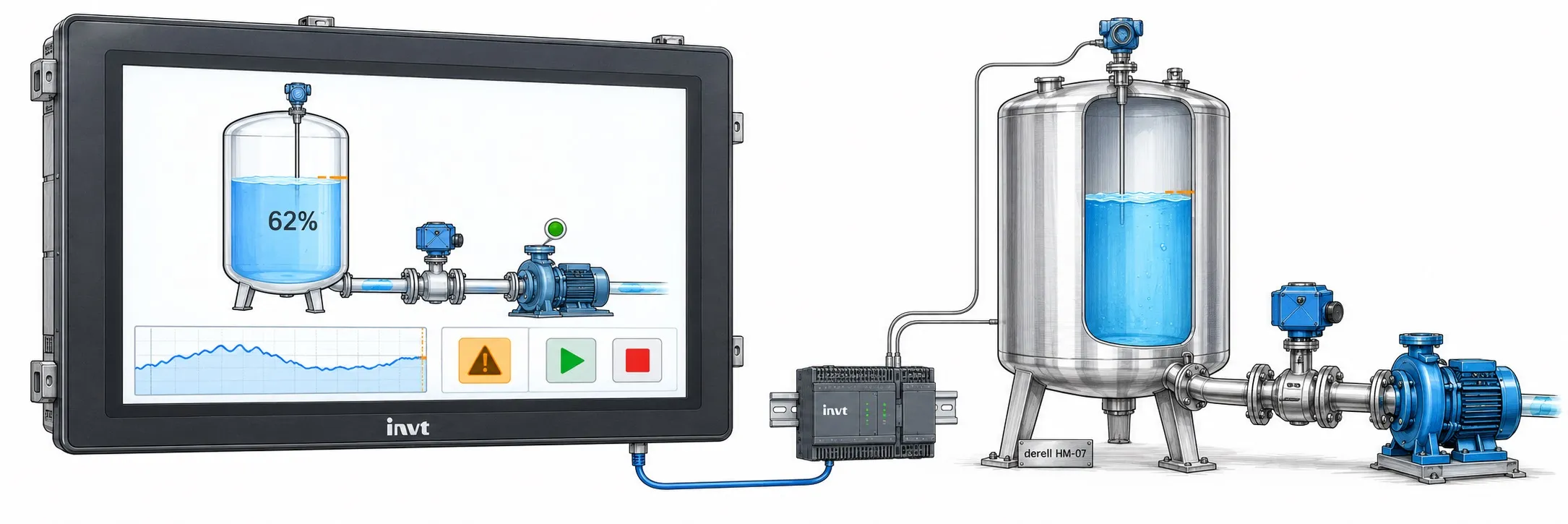
INVT HMI
INVT HMI panels let an operator view machine data and issue commands. classic VT, classic VS and VS HMI/PLC products need not share project files or port layouts even when screen sizes look similar. INVT also names different editors for the VT and VS branches: VT Designer and HMITool.
What matters in a panel replacement
Record resolution and panel cut-out along with 24 V supply, Ethernet or serial ports, PLC protocol and the editor release that opens the existing project. A working touch screen alone does not prove that an old project can be loaded onto a new panel. Complete-code pages distinguish the VT and VS variants.
Documents and connections
Use HMI documents for the panel's hardware and software publications. If the panel connects to a PLC, check both cable ends in PLC/HMI cables.
Manuals and documents
Find the documentation topics for this equipment group on INVT HMI Documents.
Use INVT user manuals, checking the complete model code.