
ATV 78 fault codes
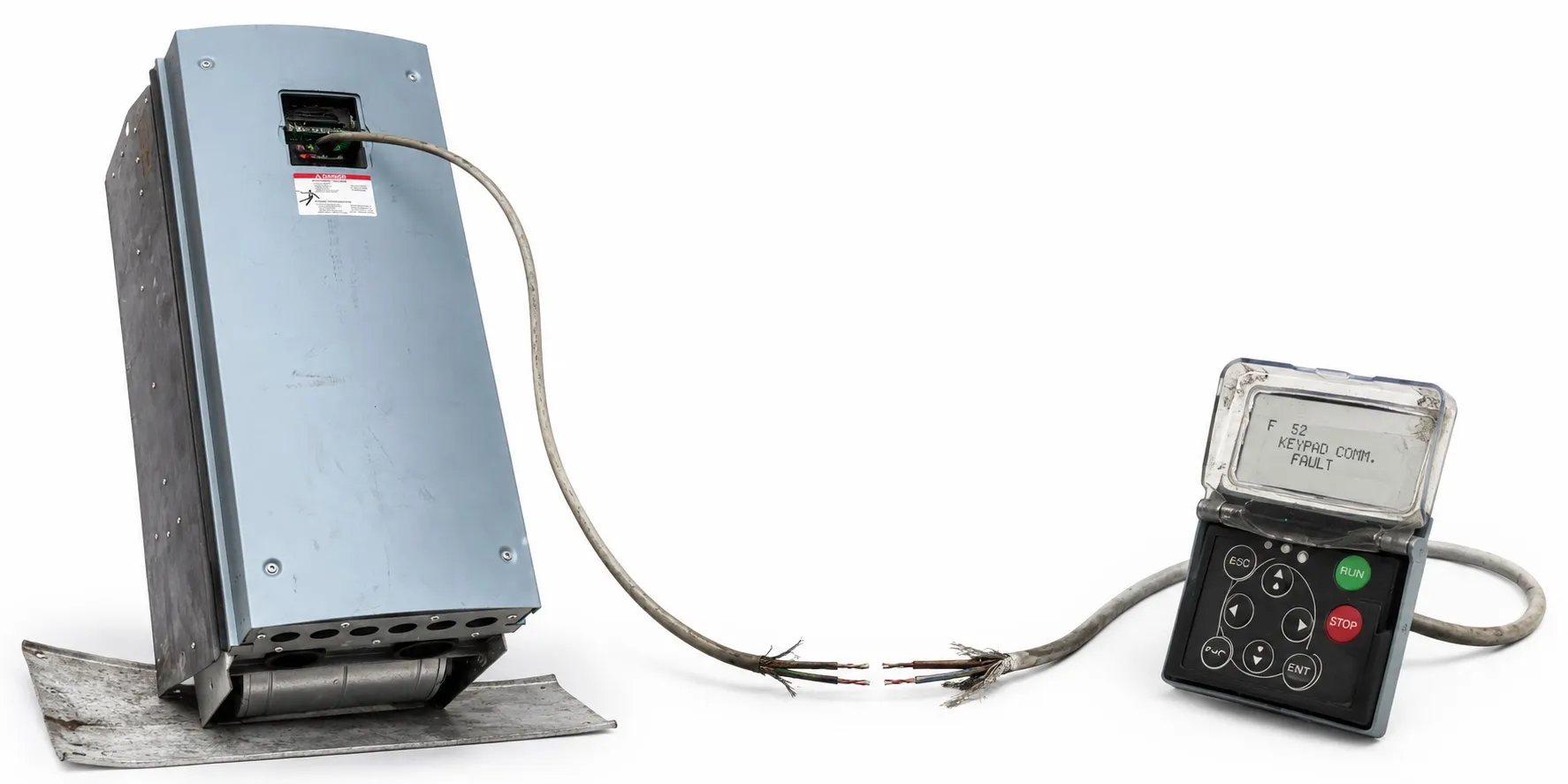
In the ATV78, there are four different types of faults, each with distinct behavior:
A (Alarm): This type of fault indicates an unusual operating condition. It does not cause the drive to stop, nor does it require any special actions. The 'A fault' remains in the display for about 30 seconds.
F (Fault): An 'F fault' is a kind of fault that makes the drive stop. Actions need to be taken in order to restart the drive.
AR (Fault Autoreset): If an 'AR fault' occurs, the drive will also stop immediately. The fault is reset automatically, and the drive tries to restart the motor. If the restart is not successful, a fault trip (FT) occurs.
FT (Fault Trip): If the drive is unable to restart the motor after an AR fault, an FT fault occurs. The effect of the 'FT fault' is basically the same as that of the F fault: the drive is stopped.
Fault History Menu (M5):
The Fault history menu can be accessed from the Main menu by pressing the Menu button when the location indication M5 is visible on the first line of the keypad display.
The Variable Speed Drive's memory can store a maximum of 30 faults in the order of appearance.
The number of faults currently in the fault history is shown on the value line of the main page (H1ÆÆÆÆH#).
The order of the faults is indicated by the location in the upper left corner of the display. The latest fault carries the indication F5.1, the second latest F5.2, etc.
Pressing the enter button for about 2 to 3 seconds resets the whole fault history.
Fault Codes:
The fault codes, their causes, and correcting actions are presented in a table (not provided here). The shadowed faults are A faults only. Items written in white on a black background present faults for which you can program different responses in the application.
When contacting the local Schneider Electric sales office because of a fault condition, always write down all texts and codes on the keypad display.
Overcurrent:
Cause: Too high a current (>4*In) in the motor cable due to a sudden heavy load increase, short circuit in motor cables, or unsuitable motor.
Remedial Procedure: Check loading, motor, and cables.
Overvoltage:
Cause: The DC-link voltage has exceeded the limits defined in Table 4-1, due to too short a deceleration time or high overvoltage spikes in supply.
Remedial Procedure: Make the deceleration time longer. Use a brake chopper or brake resistor (available as options up to FR10).
Earth fault:
Cause: Current measurement has detected that the sum of motor phase current is not zero, indicating insulation failure in cables or motor.
Remedial Procedure: Check motor cables and motor.
Charging switch:
Cause: The charging switch is open when the START command has been given, due to faulty operation or component failure.
Remedial Procedure: Reset the fault with the reset button and restart. If the fault re-occurs, contact the distributor near you.
Emergency stop:
Cause: Stop signal has been given from the option board.
Remedial Procedure: Address the emergency stop condition.
Saturation trip:
Cause: Various causes such as defective component or brake resistor short circuit or overload.
Remedial Procedure: Cannot be reset from the keypad. Switch off power. DO NOT RE-CONNECT POWER! Contact your local Schneider Electric sales office. If this fault appears simultaneously with Fault 1, check motor cables and motor.
System fault:
Cause: Component failure or faulty operation.
Remedial Procedure: Note exceptional fault data record, see 7.3.4.3. Reset the fault with the reset button and restart. Should the fault re-occur, contact your local Schneider Electric sales office.
Undervoltage:
Cause: DC-link voltage is under the voltage limits defined in Table 4-1, most probably due to too low a supply voltage or Variable Speed Drive internal fault.
Remedial Procedure: Check supply voltage and Variable Speed Drive internals.
Input line supervision:
Cause: Input line phase is missing.
Remedial Procedure: Check supply voltage and cable.
Output phase supervision:
Cause: Current measurement has detected that there is no current in one motor phase.
Remedial Procedure: Check motor cable and motor.
These fault codes and remedial procedures provide guidance for troubleshooting common issues with the Variable Speed Drive. Always take safety precautions and be careful when working with electrical equipment.