
ATV 31 fault codes
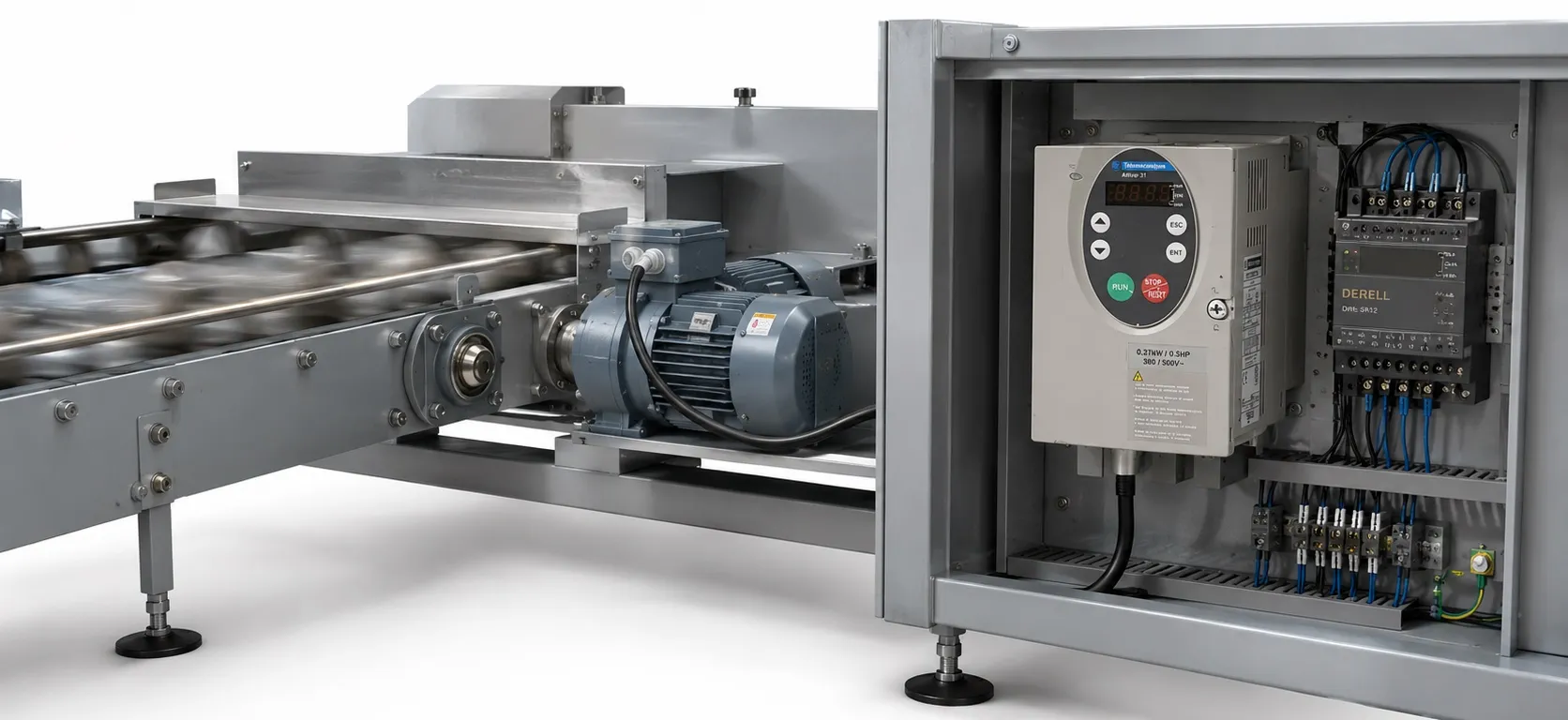
Preventing and Addressing Faults:
- Ensure recommendations for environment, mounting, and connections are followed.
- The first fault detected is stored and displayed on the screen, and the drive locks.
- To clear the fault, cut the power supply, wait for the display to turn off completely, find and correct the fault.
- The drive is unlocked by switching it off until the display disappears completely, or automatically with the "automatic restart" function (FLt- menu, Atr = YES), or via a logic input assigned to the "fault reset" function (FLt- menu, rSF = LIp).
Monitoring Menu:
- Used to prevent and find the causes of faults by displaying the drive status and its current values.
Spares and Repairs:
- Consult Schneider Electric product support for spares and repairs.
Common Issues and Solutions:
- Drive does not start, no fault displayed:
- Check power supply and wiring of inputs AI1 and AI2.
- Check if "Fast stop" or "Freewheel stop" functions are preventing start due to unpowered logic inputs.
- Check run command inputs according to the chosen control mode.
- For limit switch function, if input is at zero, start the drive by sending a command for the opposite direction.
- If reference or control channel is assigned to Modbus or CANopen, drive displays nSt and waits for a command from the communication bus.
- Check for short-circuit on the 10 V power supply if LED on the DC bus is lit and nothing appears on the display.
- If drive displays "rdY" and refuses to start, check for short-circuit on the 10 V power supply and check wiring of inputs AI1 and AI2.
bLF - Brake sequence
- This error occurs when the brake release current is not reached or the brake engage frequency (bEn) is not adjusted (nO) when the brake logic (bLC) is assigned.
- To resolve this, check the drive/motor connection, motor windings, and the Ibr setting in the FUn- menu. Also, carry out the recommended adjustment of bEn.
CrF - Capacitor load circuit
- This error indicates a fault in the load relay control or damage to the charging resistor.
- The solution is to replace the drive.
EEF - EEPROM fault
- This error signifies an internal memory fault.
- To address this, check the environment for electromagnetic compatibility and replace the drive if necessary.
InF - Internal fault
- This error can occur due to a short-circuit on the 10 V power supply or another internal fault.
- Check the circuits connected to the 10 V, wiring of inputs AI1 and AI2, and the connection to the RJ45 connector. Also, assess the environment for electromagnetic compatibility and consider replacing the drive.
OCF - Overcurrent
- This error is caused by incorrect parameters in the SEt- and drC- menus, high inertia or load, or mechanical blockage.
- To fix this, check the SEt- and drC- parameters, the size of the motor/drive/load, and the state of the mechanism.
SCF - Motor short-circuit
- This error occurs due to a short-circuit or earthing at the drive output or significant earth leakage current at the drive output when several motors are connected in parallel.
- Check the cables connecting the drive to the motor and the motor insulation. Reduce the switching frequency and connect chokes in series with the motor.
SOF - Overspeed
- This error is caused by instability or driving a load that is too high.
- To resolve this, check the motor, gain, and stability parameters. Add a braking resistor and check the size of the motor/drive/load.
tnF - Auto-tuning fault
- This error occurs with a special motor or a motor whose power is not suitable for the drive, or when the motor is not connected to the drive.
- To address this, use the L or the P ratio, check the presence of the motor during auto-tuning, and if a downstream contactor is being used, close it during auto-tuning.
COF - CANopen fault
- This error occurs due to an interruption in communication on the CANopen bus.
- To resolve this, check the communication bus and refer to the product-specific documentation for further guidance.
EPF - External fault
- This error is triggered by an external condition as defined by the user.
- The resolution is according to the user's specific setup and requirements.
LFF - Loss of 4-20mA
- This error indicates a loss of the 4-20 mA reference on input AI3.
- Check the connection on input AI3 to resolve this issue.
+ ATV31 Fault Codes (pdf)
- Altivar 31 Fault codes page 1 >
- Altivar 31 Fault Codes page 2 >
---*----